.png&w=3840&q=75)
The biggest reason most businesses don't have enough Google reviews isn't a bad product. It's that they never ask. Customers who had a great experience rarely think to leave a review on their own — but when you ask them at the right time, in the right way, the conversion rate is surprisingly high. Studies show that 70% of customers will leave a review when asked.
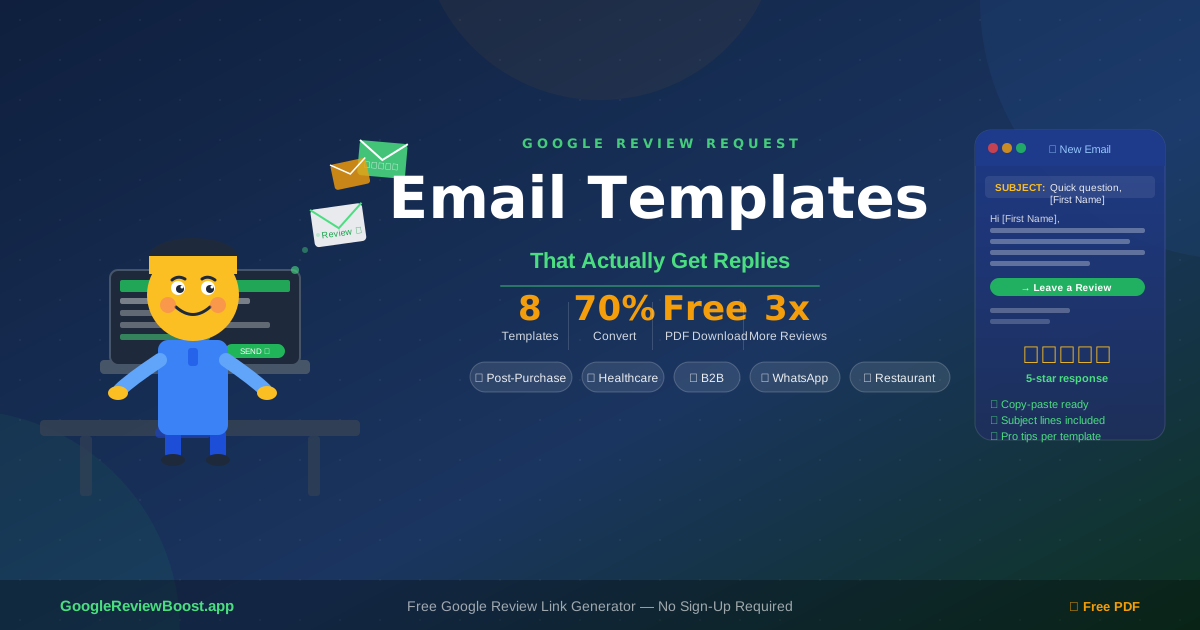
Below you'll find 8 proven Google review request email templates, one for every type of business — plus a free downloadable PDF so you can keep them all in one place.
⬇ Free Download: Google Review Email Templates Pack
All 8 templates with subject lines, full email copy, and pro tips — in one clean PDF. No signup required.
What You'll Learn in This Guide:
- Why Google reviews matter more than ever in 2026
- How to get your direct Google review link before you start
- All 8 copy-paste email templates (post-purchase, B2B, restaurant, healthcare, WhatsApp + more)
- 5 golden rules every review request email must follow
- How to automate your review requests so you never forget
Why Google Review Request Emails Matter More Than Ever in 2026
Google reviews aren't just social proof — they're an active ranking factor for local search. (We broke down exactly how much they influence rankings here.) Here's why a systematic email strategy matters:
of consumers say online reviews influence their buying decisions
of local mobile searches result in a call or store visit within 24 hours
is the minimum rating most consumers will consider before buying
reviews = significantly higher click-through rates in Google Maps
The businesses winning in local search right now are the ones systematically asking for reviews after every sale or service. It's not complicated — it's just consistent.
How to Get Your Google Review Link (Before You Start)
Every template below requires a direct link to your Google review page. Without it, you're asking customers to navigate to your profile themselves — most won't bother.
How to get your link in 4 steps:
Go to GoogleReviewBoost.app
Type in your business name
Select your business from the list
Copy your direct review link — paste it into any template below
Takes 10 seconds. No account needed. Also see our full guide on how to create a Google review link.
The 8 Google Review Request Email Templates
Copy any template below. Replace the [placeholders] with your real details, paste in your review link, and send. That's it.
The Simple Post-Purchase Ask
Pro tip: Keep it short. Customers who just received something are most likely to review. Don't over-explain.
The Service Completion Follow-Up
Pro tip: Adding "if you're not satisfied, reply here" catches unhappy customers before they post a public bad review. It shows confidence and turns potential negatives into private conversations. If a negative review does slip through, our guide on handling bad Google reviews covers exactly what to do.
The Restaurant / Hospitality Ask
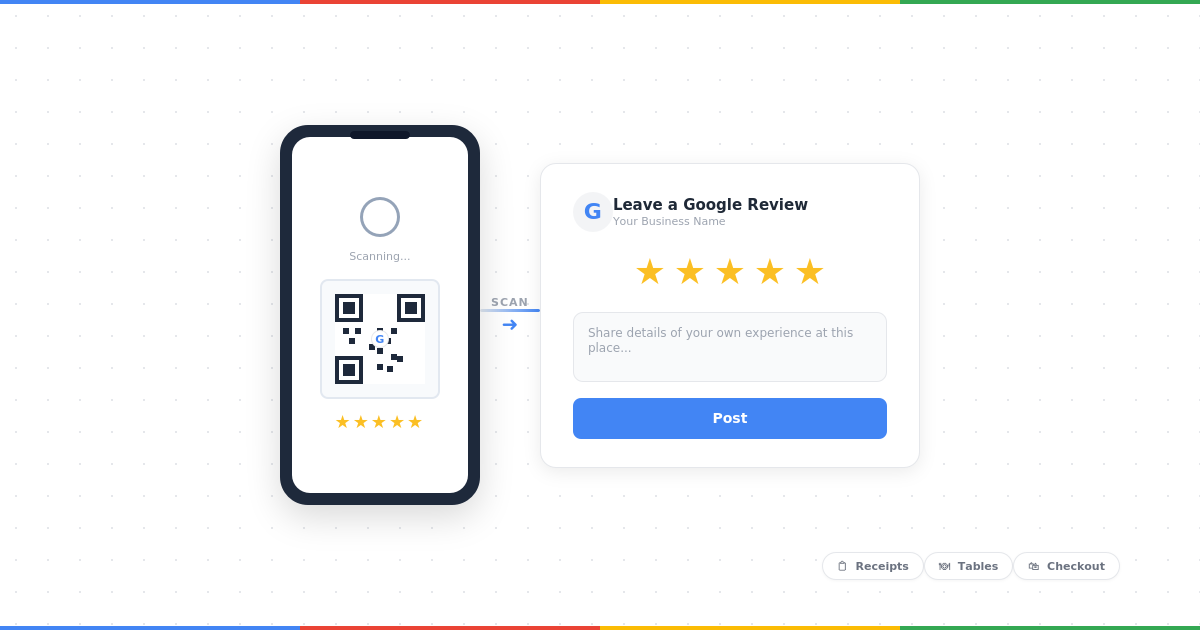
Pro tip: For restaurants, a QR code on the receipt linking to your review page works even better than email. Use GoogleReviewBoost.app to generate your link, then convert it to a QR code using any free QR generator.
The Agency / B2B Client Ask
Pro tip: Mention a specific result you delivered. Personalisation dramatically increases the response rate on B2B review requests. A generic "hope you're happy" gets ignored — a specific "since your traffic went up 40%" gets replies.
The Re-Engagement Ask (Existing Customers)
Pro tip: The "we've never asked before" angle works really well because it feels genuine and rare. Don't overuse it — send it once as a batch campaign, then switch to post-purchase templates going forward.
The Healthcare / Professional Services Ask
Pro tip: For regulated industries (healthcare, legal, finance), avoid asking for "positive" reviews specifically. Just ask for honest feedback. This keeps you compliant with professional guidelines and tends to produce more authentic, detailed reviews anyway.
The WhatsApp / SMS Version
Pro tip: WhatsApp messages get 5x more responses than email for review requests. Keep it casual and short. Sign off with your first name only — it feels more personal and less like a marketing blast. Only message customers who have opted in.
The Follow-Up Reminder
Pro tip: One follow-up is fine. Two is too many. Keep this reminder light and pressure-free — guilt-tripping customers for reviews damages your relationship with them and rarely converts anyway.
Want all 8 templates in one place?
Share it with your team, print it out, or paste it straight into your email tool.
5 Rules for Getting More Reviews From Your Emails
Whether you use one of these templates or write your own, these rules apply every time:
Send within 24 hours
The window is short. A customer who had a great experience yesterday is twice as likely to review than one from last week. Automate if you can.
Use their first name
Generic "Dear Customer" emails get ignored. Even a simple "Hi Sarah" doubles your open rate.
One link. One ask. Nothing else.
Don't include promotions, upsells, or multiple CTAs in a review request email. One job. One link. Done.
Make the link direct
Never send someone to your Google Business Profile homepage and ask them to "click Reviews." Use a direct link that opens the review box immediately. GoogleReviewBoost.app generates this link for you in seconds.
Say thank you like you mean it
Reviews are a favour. Treat them that way. A genuine, warm tone consistently outperforms corporate copy.
How to Automate Your Google Review Request Emails
Once you have your template, the goal is to automate it so you're not manually sending emails after every sale.
🛒 E-commerce (Shopify, WooCommerce)
Use Klaviyo or Mailchimp to trigger a review request email 2 days after order fulfilment.
🔧 Service businesses
Use a CRM like HubSpot or a simple Zapier workflow — when a job is marked "complete," trigger the email.
🍽 Hospitality
Most booking platforms (OpenTable, Fresha, etc.) have built-in follow-up emails — just customise the copy with the templates above.
Tools like WhatsApp Business API or ManyChat let you send automated messages after a trigger event.
For a wider look at every tactic — beyond just email — our complete guide to getting more Google reviews covers in-person asks, signage, QR codes, and platform-specific strategies in one place.
And once the reviews start coming in, how you respond to them matters just as much as how many you collect. We've put together 12 copy-paste Google review response templates — covering positive, negative, and neutral reviews — so that side of things is just as easy.
Frequently Asked Questions
What is the best way to ask for a Google review via email?
The best approach is to send a short, personalised email within 24 hours of purchase or service completion. Use the customer's first name, include a single direct Google review link, and make no other ask in the same email. Timing and brevity are the two biggest factors.
Can I legally ask customers for Google reviews?
Yes — asking customers for reviews is perfectly legal and encouraged by Google. What you cannot do is offer incentives (discounts, gifts) in exchange for reviews, or ask only happy customers while filtering out unhappy ones. Always ask all customers regardless of their experience.
How do I get a direct Google review link for my business?
Use a free tool like GoogleReviewBoost.app — type in your business name, select it from the list, and copy your direct review link instantly. This link takes customers straight to the review box without them having to navigate your Google Business Profile.
How soon after a purchase should I send a review request email?
Within 24–48 hours is the sweet spot. For product purchases, wait until delivery is confirmed. For services, send same-day or next morning. Response rates drop significantly after 72 hours.
Is WhatsApp or email better for asking for Google reviews?
WhatsApp typically gets 5x more responses than email for review requests, due to its 95%+ open rate vs email's ~20%. If you have customers' WhatsApp numbers and it's appropriate for your business type, use WhatsApp. For B2B or formal industries, email is more appropriate.
Related Guides
How to Ask for Google Reviews (2026 Guide)
Every method covered — email, SMS, in-person, timing tips, and what to avoid.
How to Respond to Google Reviews (12 Templates)
Once reviews come in, respond to every one. Copy-paste templates for positive, negative, and neutral.
How to Get More Google Reviews (Complete Guide)
The full strategy for building review count consistently — QR codes, signage, automation and more.
Google Reviews & SEO: Do They Actually Matter?
The data-backed answer on how reviews influence your local search rankings.
Ready to Start Getting More Reviews?
First step: generate your free direct Google review link. Takes 10 seconds, no account needed.