.png&w=3840&q=75)
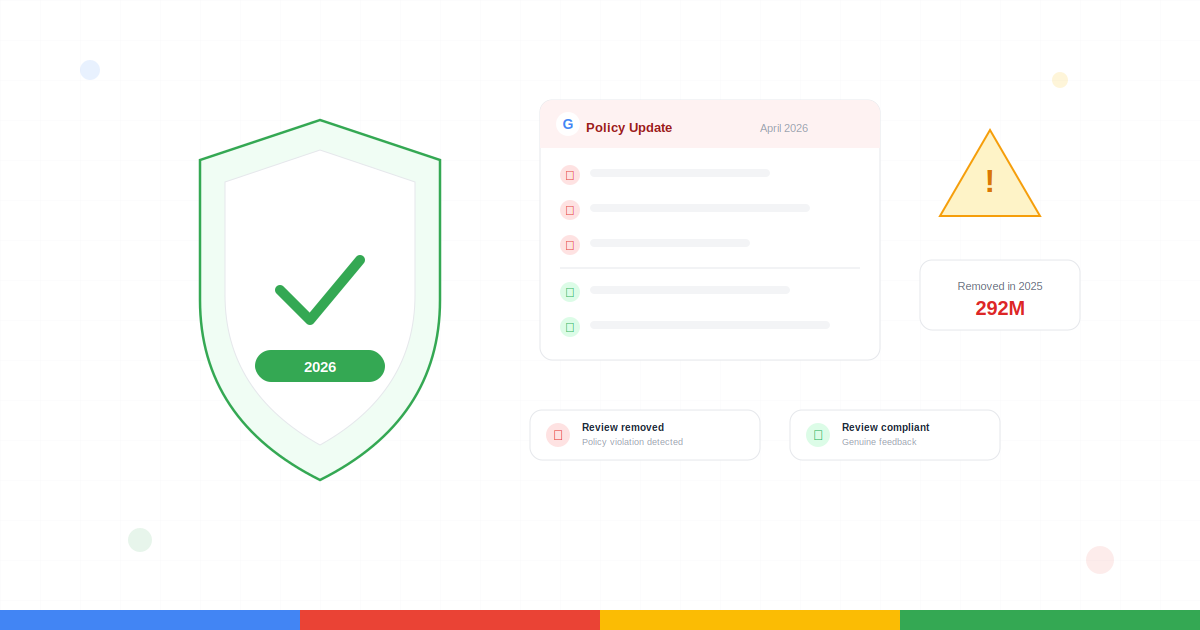
If your Google reviews have quietly disappeared over the past few weeks, you're not imagining it. Google removed over 292 million policy-violating reviews in 2025, and enforcement has only accelerated since the April 2026 update went live. Practices that have been standard for years — asking customers to mention a staff member's name, using a shared tablet at checkout, filtering who gets your review link — are now explicit violations. The good news: asking for reviews is still completely allowed. What's changed is how you ask, when you ask, and what you can tell customers to write.
What You'll Learn in This Guide:
- What changed in Google's April 2026 review policy update
- 7 specific practices that will now get your reviews removed
- What's still fully allowed (asking for reviews is not banned)
- Compliant vs non-compliant examples side by side
- A self-audit checklist to assess your current process
- What to do if your reviews have already disappeared
- How the policy affects your review responses too
What Changed in Google's Review Policy (April 2026)
Google updated its official Prohibited and Restricted Content guidelines across two consecutive days in April 2026 (April 16 and 17). The core principle hasn't changed — reviews must reflect genuine, unbiased experiences. What changed is how specific the policy now is about what counts as manipulation.
The 2 New Prohibitions Added in April 2026
1. Merchants cannot require or pressure customers to leave reviews while on the premises.
This kills review kiosks, shared tablets at the front desk, and any process where a customer is asked to review before leaving your location.
2. Merchants cannot request that specific content be included in reviews.
This covers asking customers to mention a staff member by name, reference a particular service, or use specific keywords — and explicitly bans staff review quotas.
These weren't technically "new" in spirit — Google has always said reviews should be genuine. But the language is now specific enough that enforcement is automated, and reviews matching these patterns are being removed in bulk.
7 Practices That Will Now Get Your Reviews Removed
Here's what's off the table under the updated policy, along with exactly what to do instead.
Asking customers to mention a staff member's name
Common in automotive, healthcare, and home services — employees tied bonuses to name mentions, and staff were trained to say "Ask for me by name in your review." Google's position: when you tell someone what to write, the review is no longer genuine.
What to do instead: Let staff mentions happen organically. If a customer mentions your team member without being prompted, that's perfectly fine. What you can't do is ask for it.
Review kiosks and shared devices
Handing a customer your iPad, setting up a tablet at reception, or creating a dedicated review station — all now violations. Beyond the policy issue, multiple reviews from the same device or IP address trigger Google's spam detection anyway.
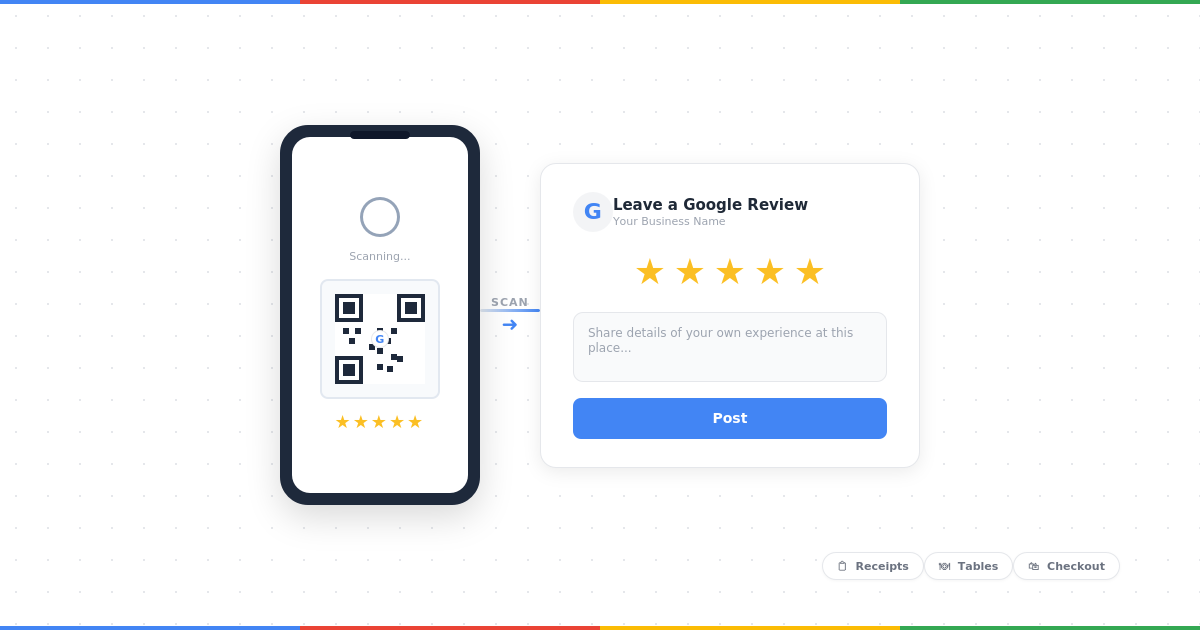
What to do instead: Use a QR code on a printed card, receipt, or table tent that customers scan with their own phone. The review comes from their device, their account, on their own time.
Pressuring customers to review while still on-site
A customer standing in your shop or sitting in your waiting room is in a socially awkward position to leave anything less than 5 stars. Google recognises this as coercive, and the policy now explicitly prohibits it.
What to do instead: Send a follow-up message after the customer has left — ideally within 24 hours. A short SMS or email with a direct review link performs well and removes the pressure entirely.
Staff review quotas
Requiring employees to collect a certain number of reviews per month is now explicitly banned. Quotas create pressure, which leads to unnatural asking patterns, forced timing, and sometimes outright fabrication.
What to do instead: Encourage staff to ask after positive moments — a compliment, a thank-you, a smile — without tying it to a number. Recognition and training work better than quotas.
Review gating (pre-screening by sentiment)
Sending a "How was your experience?" survey first, then routing happy customers to Google and unhappy ones to a private form, has been banned since 2018 — but enforcement was inconsistent. That's changed. Google's systems now detect a profile with an unusually steady stream of 5-star reviews and no negatives as artificially curated.
What to do instead: Send the same review link to every customer, regardless of how the experience appeared to go. A well-handled negative review builds more trust than a suspiciously perfect profile. See our guide on handling bad Google reviews.
Incentivised reviews
Offering a discount, free product, loyalty points, or any other benefit in exchange for a review is prohibited. This also extends to offering incentives to revise or remove a negative review — so you can't refund a customer in exchange for taking down a bad review.
What to do instead: Ask for honest feedback with no strings attached. "Leave us a review and get 10% off" is a violation. "If you have a moment, we'd love an honest Google review" is perfectly compliant.
Reviews from employees, family, or contractors
This has always been against the rules, but it's now actively enforced. Reviews from anyone with a professional or personal affiliation — current or former employees, contractors, consultants, or family members — are flagged and removed.
What to do instead: Focus on genuine customer reviews. There are no shortcuts here — and the risks to your Business Profile aren't worth it.
What's Still Allowed (This Is the Important Part)
Google's policy update is strict, but it is not a ban on asking for reviews. Google explicitly states that merchants can "solicit or encourage the posting of content that does represent a genuine experience, without offering incentives to do so or attempting to influence the rating or the contents of the review."
In plain English, here's what you can still do:
- ✓Send a follow-up email or SMS after a customer's visit asking for an honest review
- ✓Include a Google review link in your email signature, on receipts, or on printed materials
- ✓Place a QR code in your location that customers can scan with their own device
- ✓Ask customers verbally if they'd be willing to share their experience online — without telling them what to say
- ✓Respond to every review, positive and negative, to show you're engaged
- ✓Train staff to ask naturally at the right moment — just without scripts about what to include or targets to hit
Compliant vs Non-Compliant: Side by Side
Non-Compliant Email
Subject: Leave us a 5-star review!
Hi Sarah, thanks for visiting. Would you mind leaving us a Google review? Please mention that Jake helped you and that our same-day service was excellent. Here's the link: [link]
As a thank you, here's a 15% discount code for your next visit!
3 violations: star rating specified, content directed, incentive offered.
Compliant Email
Subject: How was your experience?
Hi Sarah, thank you for choosing [Business Name]. If you have a minute, we'd really appreciate an honest Google review. Your feedback helps us improve and helps others find us.
Here's the direct link: [Google Review Link]
Thanks, [Your Name]
No incentive, no content direction, no pressure. Fully compliant.
Non-Compliant In-Person Ask
"Could you leave us a Google review right now? Here, use this iPad. Make sure to mention my name — it really helps me out."
Compliant In-Person Ask
"If you enjoyed your visit, we'd love an honest Google review whenever you get a chance. I can text you the link — takes less than a minute."
Self-Audit: Is Your Review Strategy at Risk?
Run through these questions. If you answer "yes" to any of them, that part of your process needs to change.
- ✗Do you ask customers to mention a specific staff member by name in their review?
- ✗Do you use a shared device, tablet, or kiosk for in-store reviews?
- ✗Do you ask customers to leave a review before they leave your premises?
- ✗Do you send different follow-up messages based on whether a customer seemed happy or unhappy?
- ✗Do you offer any reward, discount, or perk tied to leaving a review?
- ✗Do you set staff targets or quotas for collecting reviews?
- ✗Do you ask for a specific star rating (e.g. "Leave us a 5-star review")?
- ✗Have employees, family members, or contractors left reviews on your profile?
- ✗Have you recently run a campaign that generated a large spike in review volume over a short period?
Even one "yes" creates risk. The fix in most cases is straightforward — it's the process and wording that need adjusting, not the act of asking for reviews.
What to Do If Your Reviews Have Already Disappeared
If you've noticed reviews vanishing from your profile since March or April 2026, here's the practical reality.
Confirm the reviews are actually gone
Check your Google Business Profile dashboard — the review count should reflect any removals. Note which reviews disappeared and when.
Understand that recovery is difficult
Google's removals are automated and rarely reversed. You won't receive a notification explaining why a review was removed. If a legitimate review was caught in the sweep, you can try reporting through your Business Profile support options, but success rates are low.
Shift your focus forward
The most effective response to lost reviews is to build new ones — compliantly. Update your process, retrain your staff, and start collecting fresh reviews using the methods that are still fully allowed. For a full strategy, see our guide on how to ask for Google reviews.
How Review Responses Are Affected Too
This is a detail most coverage of the policy update has missed. The way you respond to reviews also matters under the updated guidelines. Review responses that include promotional language, discount offers, or links to sales pages can be flagged. Your replies should be focused on addressing the customer's feedback — not using the response as a marketing channel.
✗ Flagged response
"Thanks for the review! Use code SAVE20 for 20% off your next visit!"
✓ Policy-safe response
"Thank you for sharing your experience! We're really glad [service] worked well for you and look forward to welcoming you back."
Naturally mentioning your business name or a specific service in a response is fine — and actually helps your local SEO. Keep it genuine and relevant to what the reviewer said. For response templates that strike the right balance, see our Google review response templates.
Why This Matters for Your Local Rankings
Losing reviews doesn't just hurt your social proof — it directly impacts your search visibility. Google's local ranking algorithm uses review quantity, quality, and recency as core signals. A sudden drop in review count can push you down in the Maps 3-Pack, which is where the majority of local clicks and calls come from.
The businesses that will come out ahead are the ones that adapt quickly: clean up their processes now, start collecting compliant reviews consistently, and build a profile that's durable rather than inflated. For a deeper look at how reviews influence local rankings, see our breakdown of Google reviews and their impact on SEO.
Frequently Asked Questions
Can I still ask customers for Google reviews in 2026?
What happens if Google removes my reviews?
Are QR codes for Google reviews still allowed?
Can customers still mention my staff by name in reviews?
The Bottom Line
Google's April 2026 review policy update isn't a reason to panic — but it is a reason to act. The rules haven't made it harder to collect reviews. They've made it harder to game them. If your strategy was already built on genuine asks, direct links, and honest feedback, you're likely already compliant.
If it wasn't, now is the time to audit your process, retrain your team, and start building reviews the right way. The reviews you collect compliantly from this point forward are worth more than the inflated numbers that are being removed.